One Place for Every Document, Flag, and Dollar
Legal matters generate mountains of paperwork. BillingLens keeps your agreements, invoices, AI insights, and budget data linked by matter — so nothing falls through the cracks.
How It Works
Create, organize, and track — all in one place
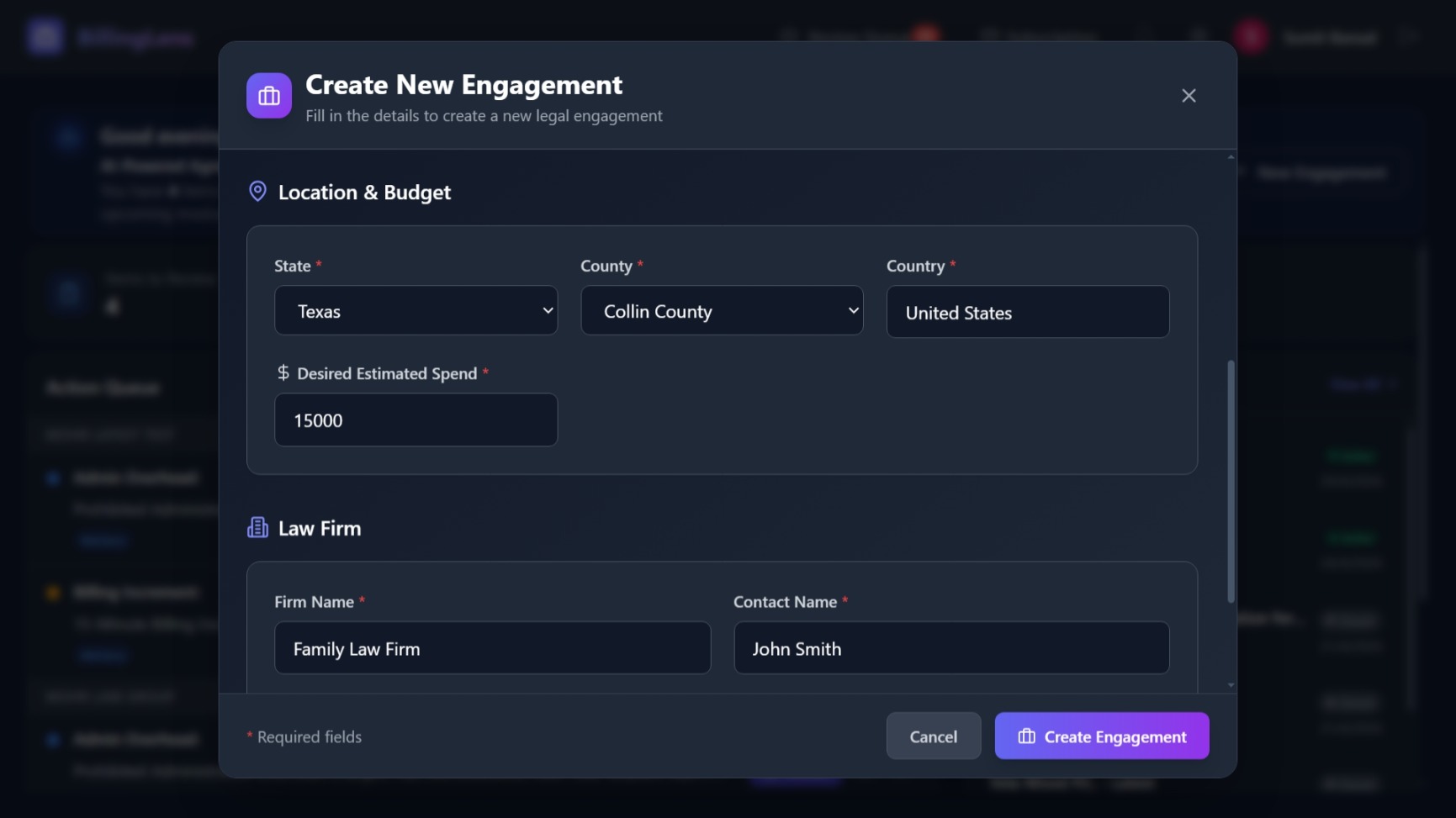
Create Engagement
Set up a new legal matter with your target budget, law firm details, and opposing counsel information.
Organize Documents
Upload agreements and invoices into organized folders. BillingLens auto-classifies document types and extracts structured data.
Track Everything
Monitor budget burn rate, review flagged items, chat with your documents, and track agreement versions — all from one dashboard.
Your Command Center
Everything connected, nothing lost
Every document, flag, chat answer, and budget metric lives in context — linked to the matter it belongs to.
Hierarchical Organization
Nested folders keep invoices, agreements, amendments, and notices organized by matter and date.
Cross-Reference Intelligence
Every flag links back to a specific invoice line item. Every chat answer cites a specific document and page. Nothing exists in isolation.
Budget Visibility
Real-time spend tracking with monthly trends, AI forecasts, replenishment thresholds, and phase-wise breakdowns.
Action Queue
Your dashboard surfaces the most important items first — high-confidence flags, attorney-confirmed issues, and budget alerts — so you always know what needs attention.
“Trusted by law firms that believe their clients deserve clarity.”
Start Your Free Trial
Set up your first matter and see how BillingLens keeps everything organized and actionable.
“BillingLens reviewed invoices and identified close to $6,000 in charges that needed clarification. For the first time, I felt like someone was in my corner.”